
Free AI Product Image Generator
Describe your product and the scene you want, and the AI product image generator creates a square picture for your ad. Short on ideas? Turn a few words into a detailed product photo prompt first.
Updated
Generate a product image with AI
Checking free credits…Your image
Quick answer
An AI product image generator turns a written description of a product scene into a picture. Describe the product, the setting, the light and the camera angle, and product photo AI creates an image you can use as an ad visual or a concept for a shoot.
It creates square 1024 × 1024 images with an open image model whose license allows commercial use. You get one free try without an account, then three free credits a day with a free Upadz account, shared with the image to prompt generator. Generated images are never stored by Upadz.
How to create product photos with AI
Describe your product scene
Write 3 to 600 characters: the product, where it stands, the background, the light and the camera angle. Say where you want empty space for a headline. Or write a few words and click Make it an ad prompt to expand them.
Generate the image
The prompt is checked for safety, then one square product image is created, usually in under 10 seconds. Check the packaging, labels and any lettering: AI image generators can get small details wrong.
Download or make the finished ad
Download the image. Images made without an account carry a small Made with Upadz mark; with a free account they don't. For a finished ad with your real product and a selling angle, paste your product link below the result.
A product image is not yet an ad. Upadz makes the ad.
A generated product photo shows a scene. An ad that sells needs your exact product, a message built on what customers care about, and a call to action.
What an AI product image generator gives you
- A product scene as a square image
- No headline, offer or call to action
- The pictured product may differ from yours
What the Upadz AI ad creative generator makes
- Ads built from your product link and details
- Selling angle from competitor and customer research
- Finished static and video ads
Product photo AI: what you can create
Product photo AI is fastest for scenes that would take a set, props and a photographer: a bottle on a stone shelf in morning light, a sneaker on wet concrete at night, a coffee bag on a café counter, a gadget on a clean desk. It is useful for testing visual ideas, filling an ad concept, preparing a brief for a shoot or giving a new product a first set of visuals.
Each image is a square 1024 × 1024 picture, the format used in feed ads and product grids. The free AI image generator here is built for product scenes; it does not edit an existing photo, change the size, or keep your exact packaging.
Prompts that work for product images
A good product image prompt makes the visual decisions for the model. Name the product first, then where it is, then the light, then the camera. Add colors and materials, and say where you want space for text. Compare ‘a skincare bottle on a pale stone shelf, soft side light, close crop, empty space at the top for a headline’ with ‘make a luxury skincare ad’: the first gives the AI product image generator something precise to draw.
Examples by product type. Skincare: a glass serum bottle on wet marble, soft daylight from the left, water droplets, pastel background. Food and drink: a cold-brew can on a wooden picnic table, late afternoon sun, shallow depth of field. Fashion: white sneakers on a concrete step, hard shadow, low camera angle, urban background. Gadgets: wireless earbuds in an open case on a clean desk, top-down view, cool light, lots of empty space.
Keep words and claims out of the image. AI image generators render small text and labels poorly, so add the headline, price and offer when you build the ad.
How to create product images for your website
For product pages, customers need to see the exact item they will receive: real photos of your product remain the reference. AI product images fit best around them: lifestyle scenes, banners, social posts and ads that show the mood and the use of the product.
Keep the look consistent across a set. Reuse the same light, background and camera angle in every prompt, change one detail at a time, and generate several versions to pick from. Check every image against your real product before publishing it, and do not use an AI picture to show features the product does not have.
Can AI replace product photography?
For concepts, mood visuals and ad tests, often yes: an AI image generator creates a scene in seconds that would take hours to shoot. For showing the exact product a customer buys, not yet. A generated image can change the shape of the packaging, invent a label or alter the color, and buyers notice when a product does not match its photos.
A practical split is to photograph the product itself once, and use AI for the scenes, backgrounds and variations around it. This free tool creates new scenes from text; it cannot change the background of a photo you upload.
From product image to ad creative
A product image is one part of an ad. An ad creative also needs a hook that stops the scroll, a message built on what customers care about, a headline, an offer and a call to action, in the format of each placement. That is where an AI ad generator differs from an AI image generator.
Upadz works as an AI ad creative generator: it starts from your product link, researches customers and competitors to find the selling angle, and makes finished static and video ads with your real product. The Free plan includes 50 one-time credits with no card. Those credits are separate from the free tool credits on this page.
Free AI image generator: what to know
The images come from an open image model whose license allows commercial use. You remain responsible for what you publish, so check product details, lettering and any resemblance to another brand's distinctive creative.
Your prompt is checked for safety before generation; the generated picture itself is not screened, so look at it before using it. Generated images are never stored by Upadz: download anything you want to keep. Images made without an account carry a small Made with Upadz mark. Make it an ad prompt has its own small daily limit and does not use a generation credit.
Finished ad creatives made with Upadz
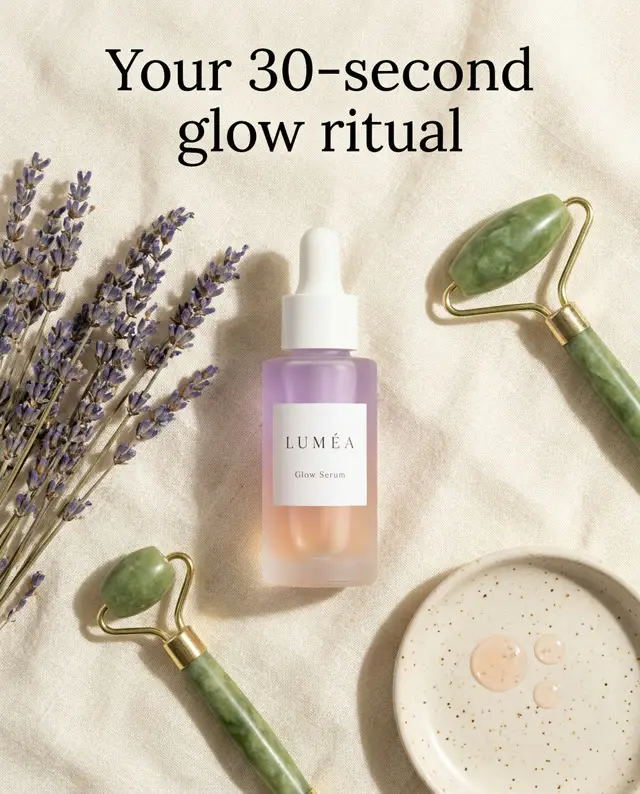
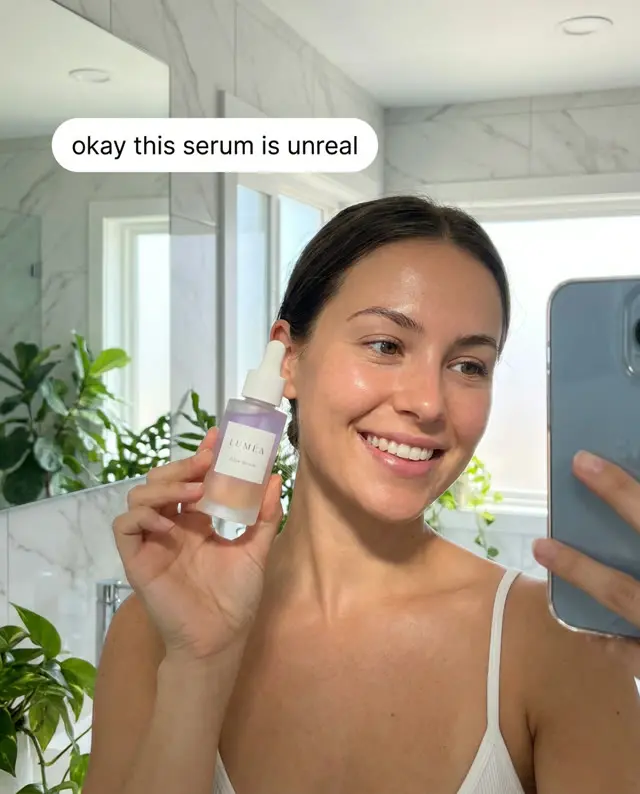
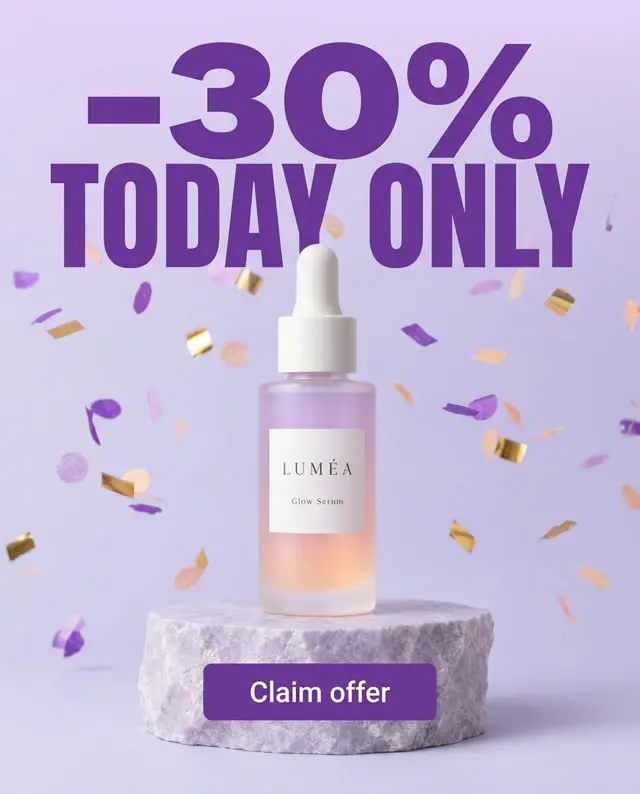
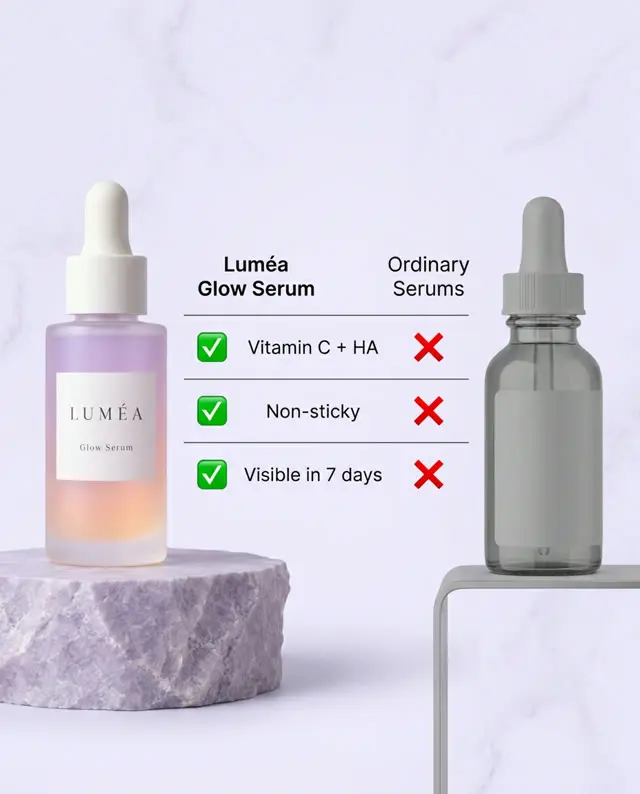
Finished Upadz ads from one product link: the step after a product image, with a headline, an offer and a selling angle.
Frequently asked questions
Is the AI product image generator free?
Yes. You get one free try without an account. A free Upadz account gives you three free credits a day, shared with the image to prompt generator; they refill 24 hours after first use.
Is there a free AI image generator without sign-up?
This one gives you one image without an account. After that, a free account gives you three a day, with no Made with Upadz mark on the images.
How do I create product photos with AI?
Describe the product, the setting, the light and the camera angle, then click Generate image. Start from a few words and click Make it an ad prompt if you want a more detailed prompt.
Can I use the images commercially?
Yes. The images come from an open image model whose license allows commercial use. You remain responsible for what you publish, so check product details and any lettering first.
Can AI replace product photography?
For concepts, lifestyle scenes and ad tests, often. For showing the exact product a customer receives, real photos remain the reference, because AI can change packaging, labels and colors.
Can it change the background of my product photo?
No. This tool creates a new image from text and does not edit uploaded photos. Describe the background you want in the prompt instead.
Can I choose an image size or aspect ratio?
No. The free tool creates square 1024 × 1024 images only.
Do you store my generated images?
No. Generated images are never stored by Upadz. Download an image you want to keep before you leave the page.
What does Make it an ad prompt do?
It expands your short idea into a detailed product photo prompt of about 50 to 90 words. It does not use a generation credit, though it has its own small daily limit.
Why is there a Made with Upadz mark?
Images made without an account carry a small Made with Upadz mark. With a free Upadz account, your images have no mark.
Is this a finished ad for my product?
No. It is a product image. Upadz makes finished static and video ads from your product link, with a selling angle, a headline and a call to action.
Share this free tool
Writing about ads, or keeping a list of tools for your team or clients? Copy this link to add the free ai product image generator to your page.
<a href="https://www.upadz.io/free-tools/ai-ad-image-generator">Free AI Product Image Generator by Upadz</a>More free tools
Make the finished ad from your product link
Upadz researches the selling angle, then makes static and video ads. Start with 50 one-time credits on the Free plan, no card required.
Start free