
Free Image to Prompt Generator
Upload a photo and get a prompt you can reuse: an ad prompt, a Flux prompt, a Midjourney prompt or alt text. The image to prompt AI describes the subject, composition, light and style in seconds.
Updated
Turn your image into a prompt
Checking free credits…Drop, paste or upload a product image
JPG, PNG or WebP up to 10 MB. Resized in your browser before sending.
Prompt format
Your prompt
Your prompt will appear here.
Quick answer
Image to prompt means turning a picture into the text prompt that could recreate it. An image to prompt generator looks at the photo and describes what an AI image generator needs: the subject, the setting, the composition, the light, the camera angle and the style.
Upload a JPG, PNG or WebP up to 10 MB and choose a format. You get one free try without an account, then three free credits a day with a free Upadz account, shared with the AI product image generator. Uploaded images are never stored on Upadz servers.
How to turn an image into a prompt
Upload or paste a photo
Drop, paste or choose a JPG, PNG or WebP file up to 10 MB: a product photo, an ad you like or any visual reference. Your browser resizes it to 1024 pixels on its longest side before sending it.
Choose the prompt format
Pick Ad prompt for a product ad brief, Flux or Midjourney for those image generators, or Alt text for a short description of the picture. Each format is written differently, so pick the one for the tool you will paste it into.
Copy, edit and generate
Copy the prompt into your image generator, or click Make this image to open it in the free AI product image generator. Replace generic details with your real product before you use the result in an ad.
A prompt describes a picture. Upadz makes the ad.
An image to prompt tool gives you words for a visual. A paid ad also needs your real product, a selling message and a reason to act. Upadz builds those from your product link.
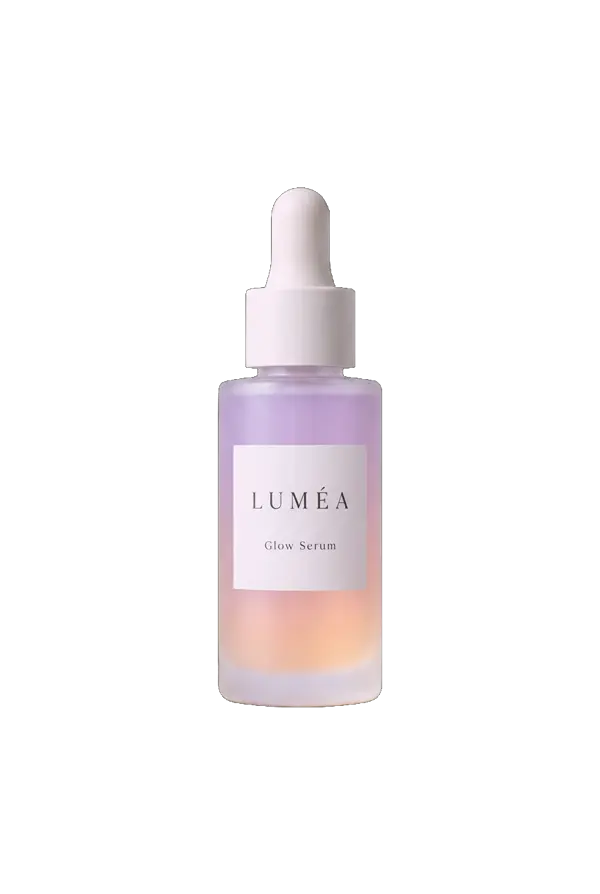
Image to prompt: your photo becomes text
- You upload a photo like this one
- You get a text prompt that describes it
- No headline, offer or call to action
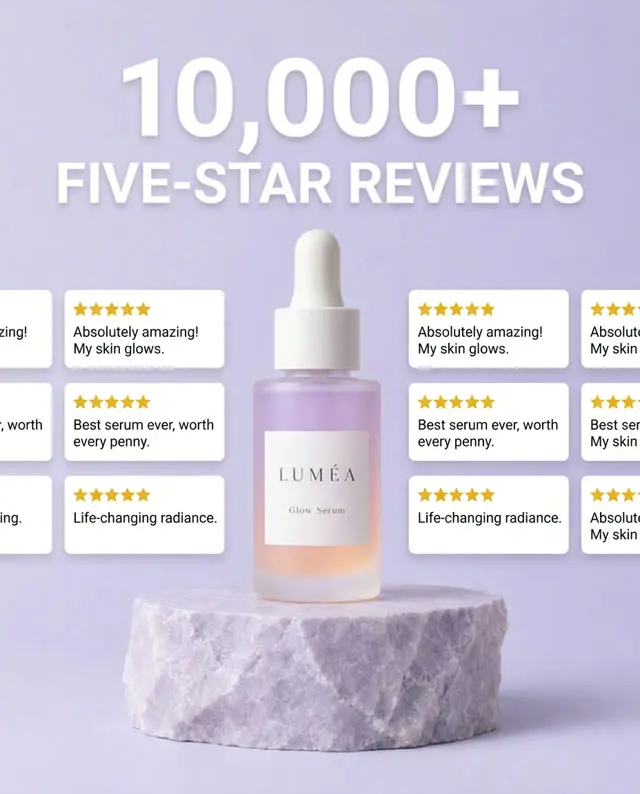
What Upadz makes from your product link
- Creative built around your product details
- Selling angle from competitor and customer research
- Finished static and video ads
How to turn a photo into a prompt
Photo to prompt works best when the picture has a clear subject. Crop away screenshots, browser bars and anything unrelated before you upload, so the description spends its words on what matters. A product shot, a lifestyle photo or an ad layout you admire all work as a picture to prompt reference.
The image to prompt AI reads the visible parts of the picture: what is shown, where it sits in the frame, what surrounds it, where the light comes from, how close the camera is and the overall mood. It does not know the brand, the price or what the product does, and it describes brands and logos generically on purpose. Read the prompt from the image, keep the parts you want to reuse, and rewrite the parts you want to change.
To get the best results, upload a sharp, well-lit image and choose the format of the tool you actually generate with. Then generate, compare the new picture with your reference and adjust one detail at a time: the background, the light or the camera angle.
Image to prompt for Midjourney and Flux
Image generators read prompts differently, so the tool writes each format its own way. The Midjourney format is a list of short descriptive phrases separated by commas, aiming for under 70 words and ending with the --ar aspect ratio of your uploaded image and --style raw. Paste it straight into Midjourney, as you would a prompt from a Midjourney prompt generator.
The Flux format is written as natural sentences, aiming for 40 to 90 words, covering the subject, setting, light, colors, camera and style, which is how FLUX models respond best. Use it as a Flux prompt generator, or for any image generator that prefers plain descriptive language.
The Ad prompt format is built for advertising: it aims for 60 to 110 words describing the product and how it is shown, the background and props, the light, the camera angle, the mood, and where free space is left for a headline or an offer.
Image description generator and alt text
Choose Alt text and the tool works as an image description generator, like describe image AI tools built for accessibility: it writes one or two plain sentences, aiming for under 125 characters, describing what the picture shows. That is the length screen readers handle well and the text search engines read to understand an image.
Use it to describe product photos, ad creatives and blog images when you need alt text quickly. Read it before publishing: good alt text describes what is visible, so add the product name yourself where it helps, and never add keywords that are not in the picture.
Reverse image prompting: what AI can and cannot read
Reverse image prompting does not recover the exact prompt someone typed. An AI describes the finished picture, so the result is a new prompt that leads to a similar image, not the original text, settings or seed. Two people can reach the same picture with very different prompts.
If you need the original prompt of an AI-generated image, check the file first. Some generators save the prompt in the image metadata, which a metadata reader such as ExifTool can show. When that metadata is gone, an image to text prompt tool like this one is the practical way back to a usable prompt.
How to write an ad prompt from a reference image
A reference is useful when you know what you want to keep. From a competitor ad, keep the layout idea or the lighting, then write your own message and show your own product. From your own product photo, keep the packaging shape, the angle and the setting. A prompt is strongest when it names what stays and what changes.
Start the prompt with the product and the frame, then the scene, then the light and camera, then the space you need for copy: for example, an overhead skincare flat lay on a pale stone surface, soft daylight, empty space above the bottles for a headline. Image models can invent labels and small text, so check every generated picture against your real product before it goes into a campaign.
A generated picture is a starting point, not a finished ad. Upadz takes your product link instead, researches customers and competitors to find the selling angle, and makes static and video ads with your real product. The Free plan includes 50 one-time credits with no card, separate from the free tool credits on this page.
Reference images to try: finished static ads
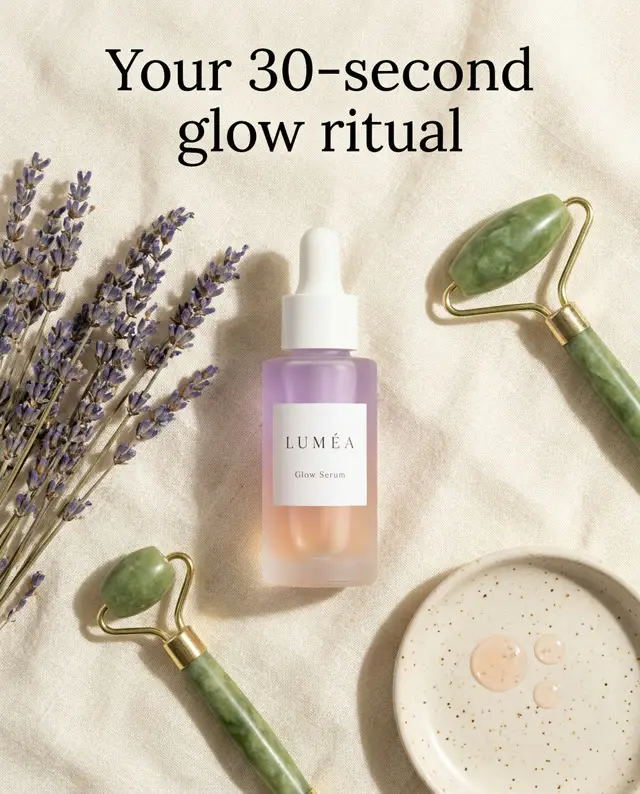
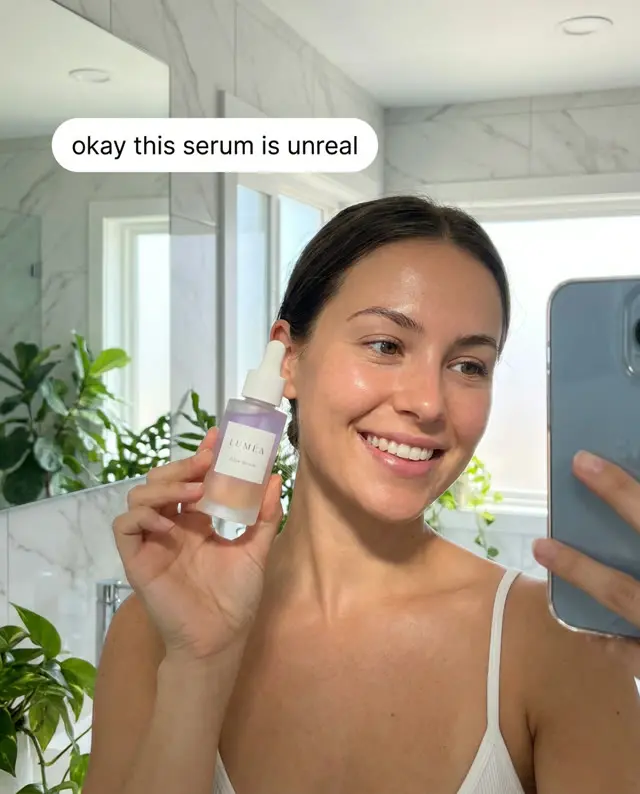
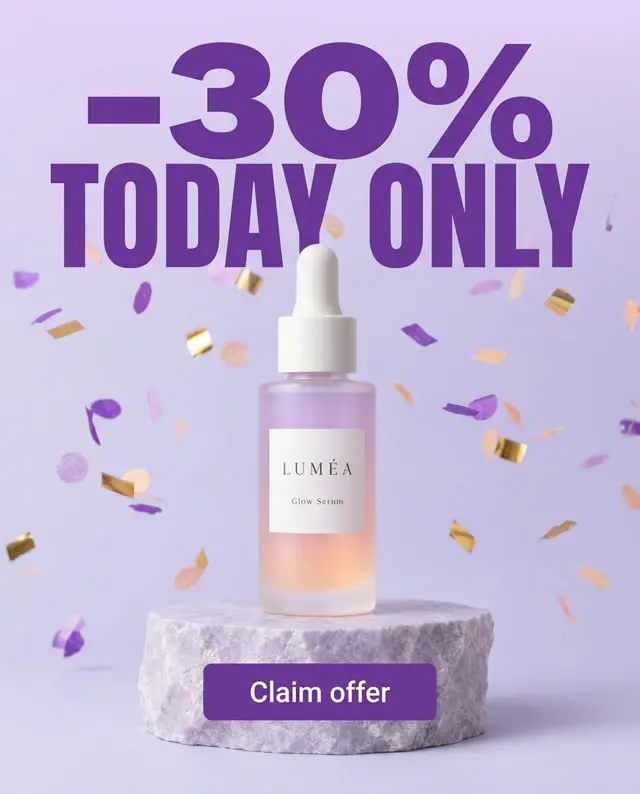
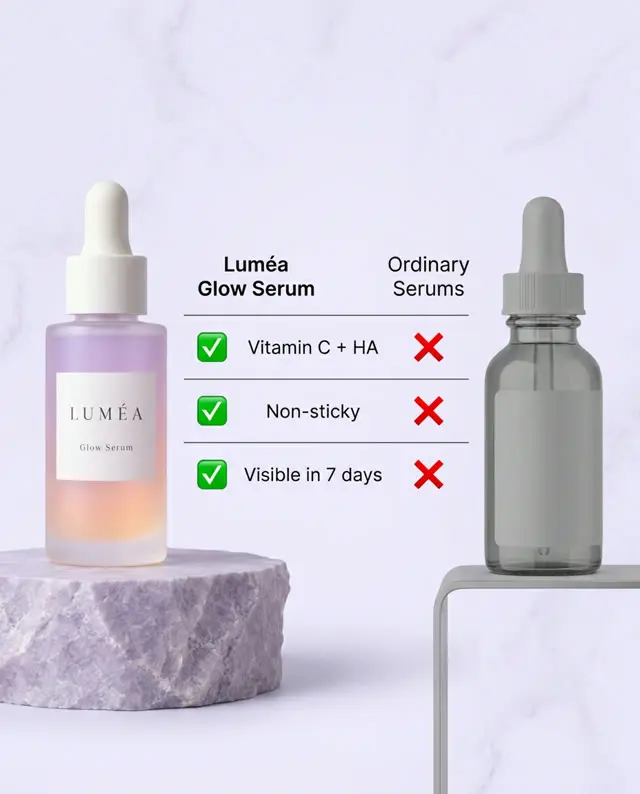
Finished Upadz ads made from one product link. Upload one to see how the image to prompt generator describes a real ad layout.
Frequently asked questions
What is image to prompt?
Image to prompt is turning a picture into a text prompt that an AI image generator can use to make a similar picture. The prompt describes the subject, setting, composition, light, camera angle and style.
How do I get a prompt from an image?
Upload or paste the image above, pick a format (Ad prompt, Flux, Midjourney or Alt text) and click Generate prompt. Copy the result into your image generator and edit the details you want to change.
Is the image to prompt generator free?
Yes. You get one free try without an account. A free Upadz account gives you three free credits a day, shared with the AI product image generator; they refill 24 hours after first use.
Can AI describe an image?
Yes. A vision model can describe what a picture shows: objects, people, setting, colors, light and layout. Choose Alt text for a short description, or a prompt format for a longer one written for an image generator.
Can I get the original prompt from an AI-generated image?
Not exactly. The tool writes a new prompt that leads to a similar picture. The exact original prompt is only recoverable if the generator saved it in the file's metadata.
What is the difference between the Midjourney and Flux formats?
The Midjourney format is short comma-separated phrases ending with --ar (your image's aspect ratio) and --style raw. The Flux format is natural sentences, which FLUX models follow best.
Can I use it as an alt text generator?
Yes. Choose Alt text to get one or two short sentences, aiming for under 125 characters, describing what the image shows. Check it before publishing and add the product name where it helps.
Do you store the image I upload?
No. Uploaded images are processed for the request and never stored on Upadz servers. If you sign up mid-way, your browser keeps the image for that session so you can continue.
Which file types and sizes can I use?
JPG, PNG or WebP up to 10 MB. You can drop, paste or choose the file. The browser converts it to a JPEG of at most 1024 pixels on its longest side before sending it.
Will the prompt recreate my product exactly?
No. A text prompt cannot guarantee exact packaging, labels or proportions, and brands are described generically. Compare every generated picture with your real product.
Can I use a competitor ad as a reference?
You can study its layout or lighting, but write your own message and show your own product. Do not copy another brand's distinctive creative.
Can I generate an image from the prompt here?
Yes. Click Make this image to open the free AI product image generator with your prompt filled in, edit it if you like, then generate a square image.
Share this free tool
Writing about ads, or keeping a list of tools for your team or clients? Copy this link to add the free image to prompt generator to your page.
<a href="https://www.upadz.io/free-tools/image-to-prompt">Free Image to Prompt Generator by Upadz</a>More free tools
Turn your product link into a finished ad
Upadz researches the selling angle, then makes static and video ads. Start with 50 one-time credits on the Free plan, no card required.
Start free